

Calendar
Every payment day, months ahead, with what was paid and what is still open.
Calendar shows one month at a time with each payment on its due day, logos included. Move between months with the arrows; Today jumps back.
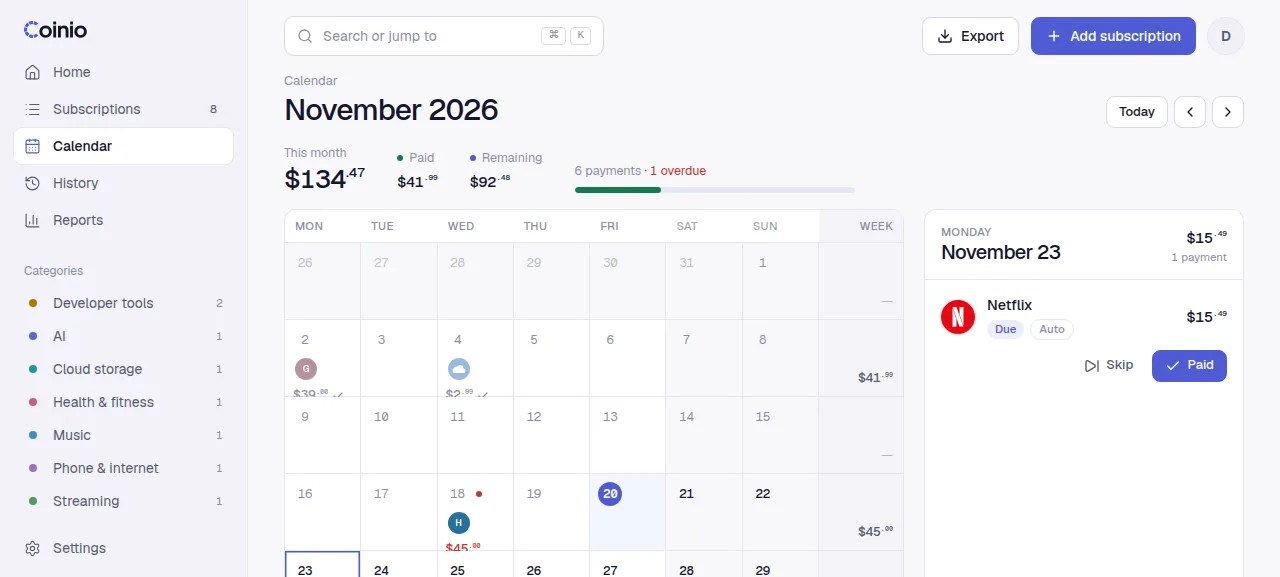
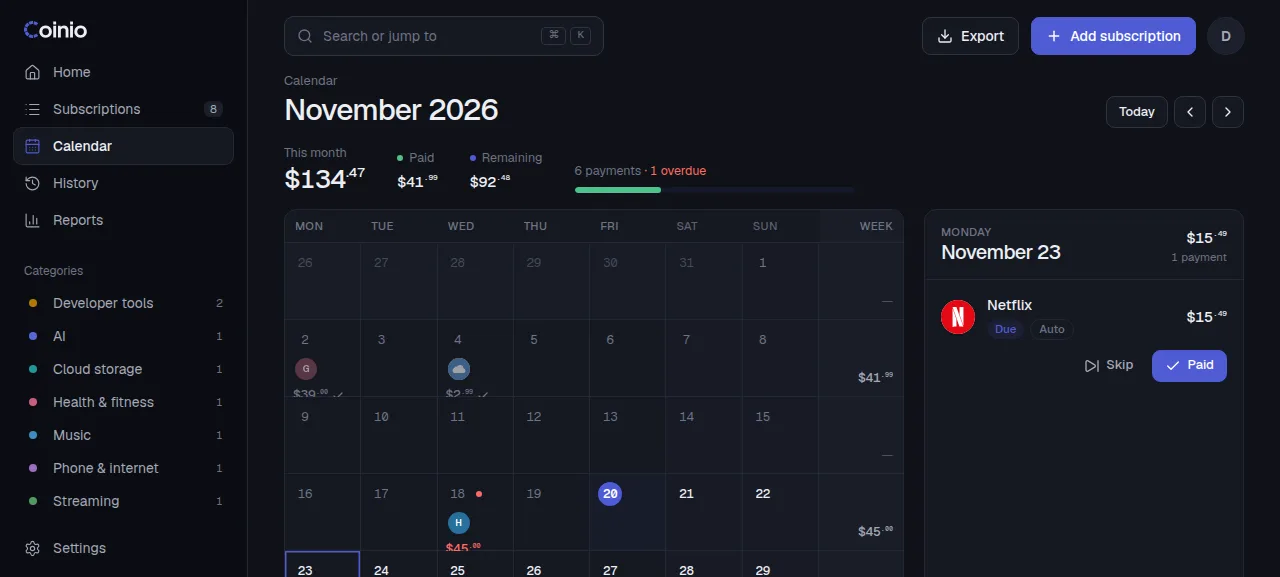
Each payment has a state:
| State | Meaning |
|---|---|
| Paid | A payment was recorded, by you or automatically. |
| Skipped | You skipped this period. It counts as nothing. |
| Overdue | A manual payment whose date has passed. |
| Due | The next open payment of a subscription. |
| Upcoming | A future date projected from the billing cycle. |
Click a day to see its payments and mark them paid or skip them from there. The month total at the top is in your main currency; paid amounts use what was really charged when you entered it.
Paused subscriptions are not projected. Future months are calculated from each active subscription's cycle, so a yearly renewal shows up in the right month a year ahead.
Reminders
The calendar is for looking ahead. To be told when something is due, connect Telegram: a daily message lists what is coming up and what is overdue.
The dashboard also has a This week strip and an Upcoming payments list with filters (automatic, paid by hand, foreign currency, category) and a time range.